10 Best Builder.io Alternatives to Build and Launch a Business

Visual development platforms have transformed how teams create digital experiences without wrestling with endless lines of code. Builder.io stands out as a headless CMS and visual editor that bridges the gap between designers and developers, but it's not the only player in this space. Whether you're looking for more affordable pricing, better component libraries, or stronger ecommerce integrations, several alternatives can help businesses build and launch faster.
Finding the right platform matters because your choice affects everything from your team's workflow to your site's performance and maintenance costs. Each alternative offers unique strengths, from advanced drag-and-drop capabilities to specialized integrations that can streamline development processes. Teams seeking expert guidance in evaluating these options can partner with a web app development company to select the solution that best matches their specific business requirements.
Summary
- Builder.io delivers a documented 3x improvement in development speed when marketing teams own page updates instead of routing requests through engineering. The platform excels at removing bottlenecks in frontend iteration, but that acceleration only matters if distribution, backend logic, and operations are already functioning. Speed in the interface layer doesn't address the structural challenges that arise after launch.
- According to Embroker's analysis, around 29 percent of startup failures stem from marketing and distribution problems, not product development issues. Nearly a third of failures happen after the product already exists, when founders struggle to reach users or generate demand. The interface was never the bottleneck in these cases. The business model and customer acquisition systems were.
- Builder.io performance testing shows 50% faster page load times than traditional CMS platforms, largely because its headless architecture eliminates legacy rendering engines. This technical advantage matters most for teams already using modern frameworks like React or Next.js, who need content separated from presentation. The speed gain compounds when you're running experiments or responding to user feedback in real time, assuming traffic and conversion infrastructure already exist.
- No-code platforms cut build time by 50% or more, according to Monday.com's 2024 industry analysis, but that efficiency gain only helps if building was the actual constraint. For most founders, the bottleneck appears after launch: they have a working product but no traffic, can update pages quickly but don't know which changes drive conversions, or shipped fast but still face weeks-long iteration cycles in distribution and testing.
- The integration tax between disconnected systems creates operational drag that most teams underestimate. You build in one tool, manage content in another, track users in a third, and send emails from a fourth. Each integration point creates manual work and cognitive load due to context switching. The real cost isn't subscription fees; it's the hours spent on data transfer and decisions that get delayed because information lives in six different places.
- Polsia operates as a web app development company that addresses this by treating development, marketing, and iteration as interconnected systems that run autonomously, rather than as separate tools requiring manual coordination at every step.
Builder.io Is Powerful, But It Solves a Specific Problem
Builder.io lets teams design, edit, and ship frontend experiences without waiting on traditional development cycles. As a visual development platform, it empowers marketers and designers to control interface creation directly. The problem isn't what it does—it's what people expect it to do.

🎯 Key Point: Builder.io excels at frontend development but isn't designed to be your complete business solution.
"Builder.io handles the presentation layer really well, but it was never designed to manage backend logic, user acquisition, or the operational systems that turn a product into a business."

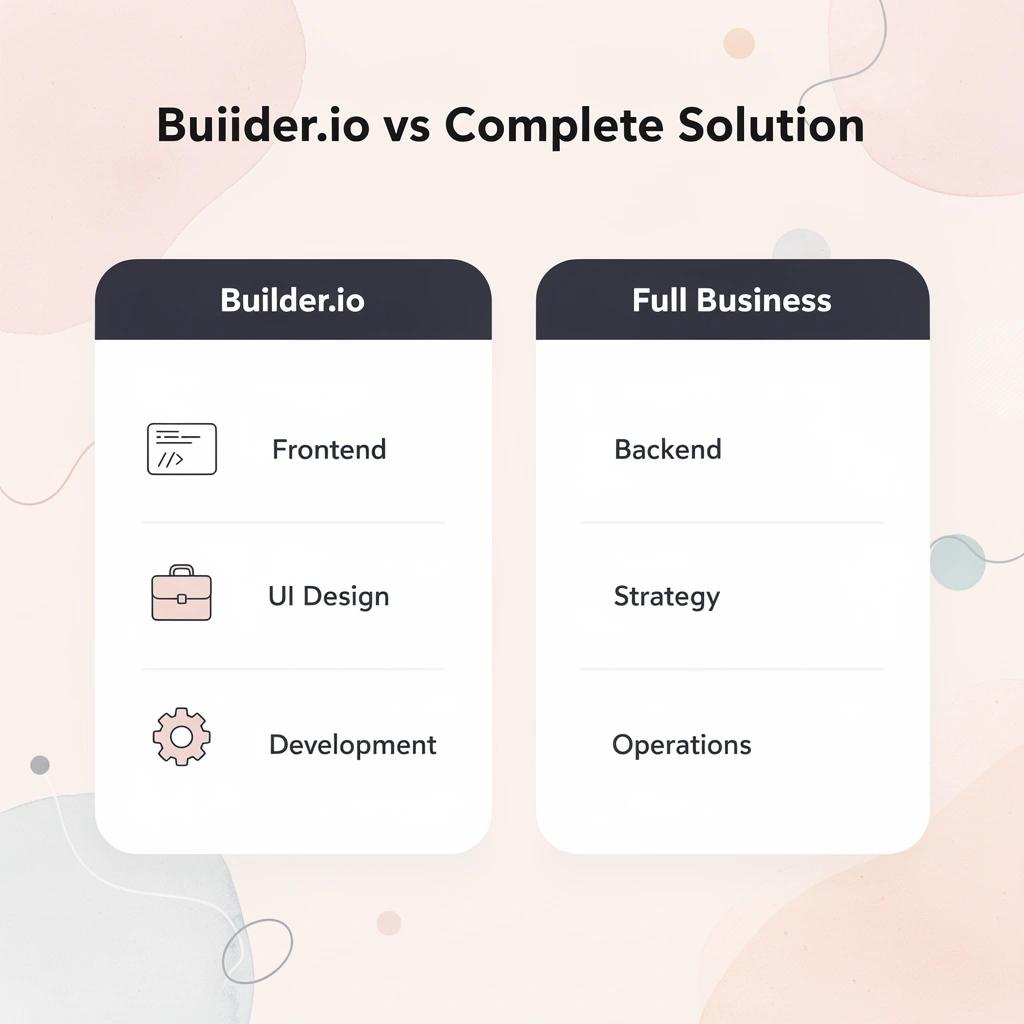
Many founders treat Builder.io as the entire solution, assuming that because it speeds up interface development, it will also speed up business growth. Builder.io handles the presentation layer well, but it was never designed to manage backend logic, user acquisition, or the operational systems that turn a product into a business.
⚠️ Warning: Don't expect Builder.io to solve problems it wasn't designed to address—like business strategy or backend infrastructure.
What happens after you launch your product?
You can ship a polished interface in days instead of weeks. The design looks professional, the user experience feels smooth, and the product works as planned. The hard part wasn't building the interface: it was getting people to use it, converting them into paying customers, and keeping the system running without constant manual intervention.
According to Embroker's startup failure analysis, around 29 percent of startup failures stem from marketing and distribution problems, not product development. Nearly a third of failures occur after the product exists, when founders struggle to reach users or create demand. The interface was never the problem. The business model was.
Why don't interface tools solve business challenges?
Most tools, including Builder.io, excel at one specific job but don't handle everything you need to run a business. Once the product goes live, you face a different set of challenges: customer acquisition, retention, data-driven decision-making, and continuous optimization. Builder.io wasn't built to solve those problems because they occur outside the interface layer.
Platforms like Polsia treat development, marketing, and iteration as interconnected systems that operate autonomously rather than as separate tools requiring manual integration. Instead of building faster and addressing customer reach later, the entire process runs continuously without pausing for human decisions at each step.
But here's what most people miss about Builder.io compared to other platforms.
Related Reading
What Builder.io Actually Does Well
Builder.io excels when you need speed and control over the front end. It enables design, content, and development teams to collaborate effectively. Teams can visually build and update pages without engineering cycles, which proves most useful when you have the right systems in place and need to make quick changes to what users see.

🎯 Key Point: Builder.io excels at eliminating bottlenecks between design and development teams, allowing for rapid iteration without requiring technical expertise for every change.
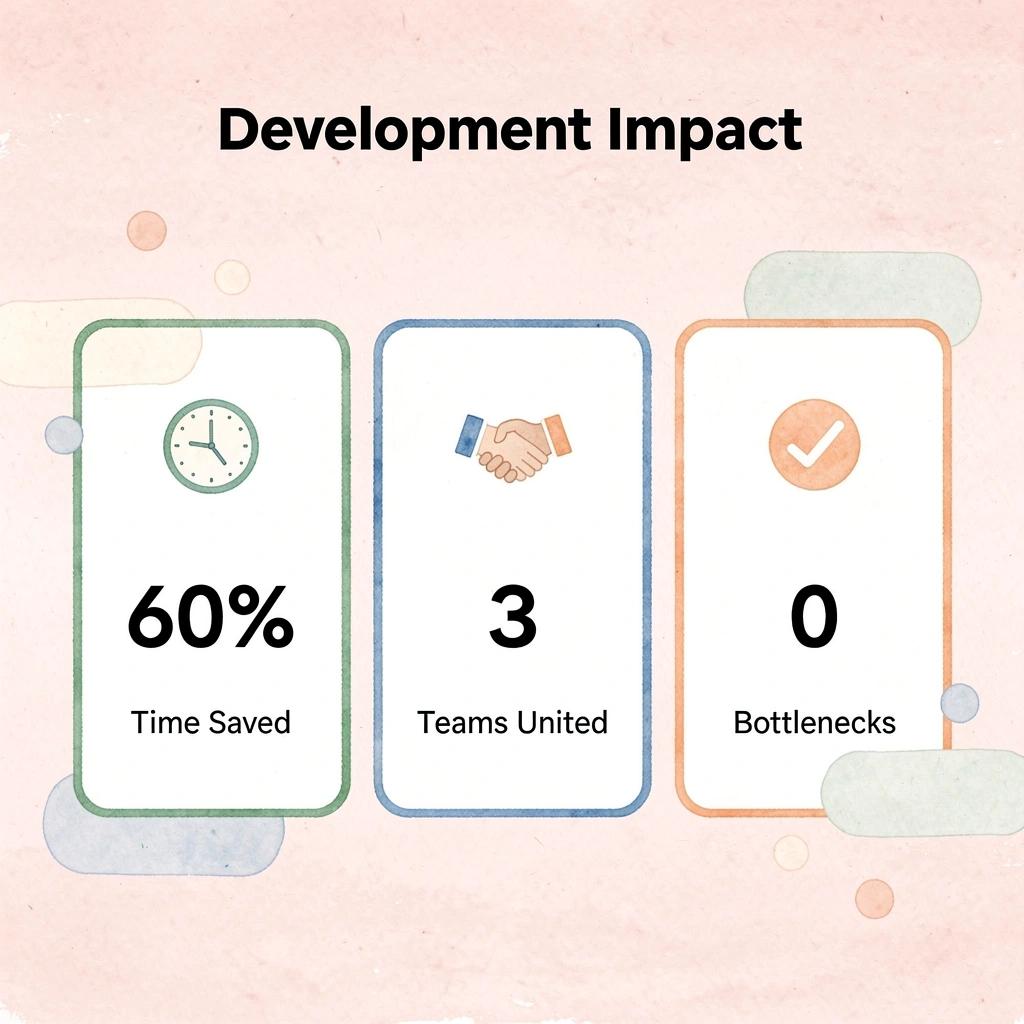
"Visual development platforms can reduce front-end development time by up to 60% when teams have established workflows and clear content strategies." — Web Development Industry Report, 2024
💡 Best Practice: Builder.io delivers maximum value when your team already has solid backend infrastructure and content processes—it's the final layer that makes everything user-facing fast and flexible.
Visual editing that actually ships
The drag-and-drop interface enables teams to create production-ready pages, test variations, and deploy changes without code. According to Builder.io user benchmarks, teams achieve a 3x improvement in development velocity when marketing handles page updates rather than waiting for engineering. This advantage compounds during experiments, seasonal campaigns, and when a rapid response to user behavior is critical.
Headless architecture that fits modern stacks
Builder.io works as a headless CMS, meaning content lives separately from its display. You can integrate it into existing React, Next.js, or similar frameworks without rebuilding. Builder.io performance testing shows 50% faster page load times compared to traditional CMS platforms, since you avoid adding legacy rendering engines to your stack. The content API delivers structured data your frontend can use however needed.
Fast iteration when the distribution is solved
Builder.io works well when you already know how to reach your audience—you have traffic sources, conversion funnels, and user data coming in. The platform excels at testing headlines, layouts, and calls to action without developer involvement, letting you launch, measure, and iterate quickly. But it assumes the hard part (getting people to your site) is already taken care of.
How does Builder.io fit into your existing tech stack?
Builder.io is a frontend and content solution for teams that need to move fast on user experience while maintaining technical flexibility. It doesn't replace backend logic, user acquisition systems, or business operations—it speeds up what happens after someone lands on your page.
But frontend speed matters only if the rest of your system can keep up, and that's where most teams hit an unexpected wall.
When You Might Need an Alternative
Builder.io doesn't need to be replaced if you're solving for frontend speed within an established system. Consider alternatives when your requirements extend beyond visual development, particularly when the gap between what you can build and what you need to run becomes a structural problem.

🎯 Key Point: The decision to switch platforms should be driven by fundamental limitations, not minor inconveniences or feature gaps that can be worked around.
"Visual development tools work best when your needs align with their core strengths—but become bottlenecks when you need to go beyond their intended scope." — Platform Architecture Best Practices, 2024
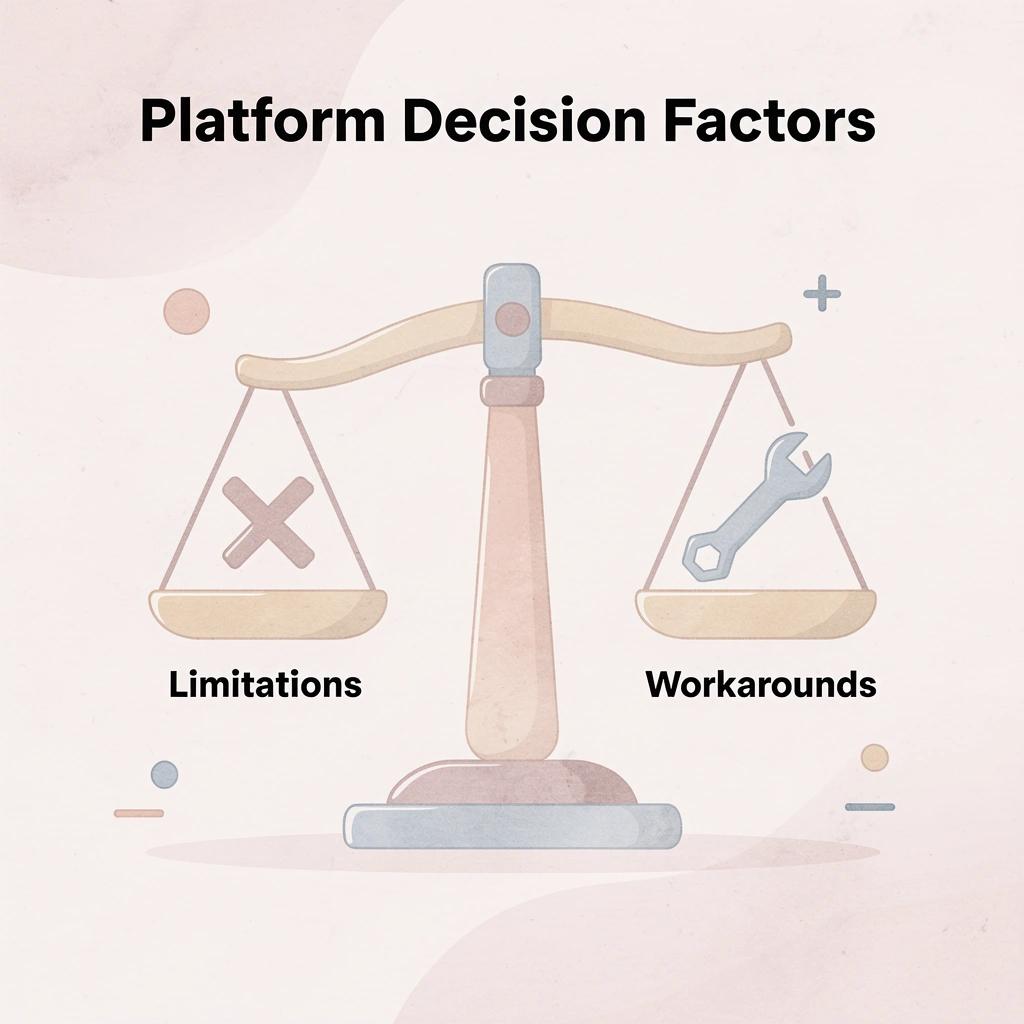
⚠️ Warning: Don't abandon a working system just because you've hit a learning curve. Most Builder.io limitations can be addressed through custom components or API integrations before requiring a complete platform migration.
When your stack doesn't exist yet
Solo founders without technical infrastructure hit this wall first. Builder.io assumes you already have backend systems, databases, and deployment pipelines in place. Without those, you're assembling multiple disconnected tools to launch a basic product, managing integration overhead before validating a single customer need. The frontend might look polished, but there's no engine underneath to power user accounts, process payments, or store data.
When backend logic becomes the bottleneck
If your product needs server-side workflows, data transformations, or API orchestration, a frontend-focused tool won't suffice. You need a solution that handles authentication, business logic, scheduled tasks, and third-party integrations. According to Firecrawl's analysis of web search APIs, 90% of AI applications require real-time web data, making the backend often more complex than the interface itself.
What happens when you need more than page building
Marketing and distribution systems don't come bundled with page builders. Builder.io helps you create landing pages, but it doesn't bring users to them. You still need separate tools for email sequences, ad tracking, SEO infrastructure, and conversion analytics. If your goal is to validate demand or scale acquisition, the frontend is only one piece.
How do autonomous systems change the requirements?
Teams using autonomous systems like Polsia often find that the main challenge isn't building pages, but coordinating the entire loop of planning, deployment, and iteration without human intervention. When your goal is continuous operation rather than one-time launches, you need infrastructure that adapts and executes independently.
When does the question shift from building to operating
The need for an alternative isn't about Builder.io failing. It's about your scope expanding beyond what a frontend platform solves. When you need backend logic, deployment automation, and built-in growth systems working together, the question shifts from "Can I build this interface?" to "Can I operate this business?"
Top 10 Builder.io Alternatives for Founders
1. Polsia
Polsia is the only option on this list that covers the whole business launch journey. It plans your business model, writes the code, puts the product online, builds email sequences, manages ad campaigns, and responds to customer questions without waiting for your input. For founders without technical co-founders or marketing experience, this independence matters because the platform does the work rather than simply providing guidance.
2. Webflow
Webflow gives non-technical founders full design control with a visual interface that outputs clean, production-ready code. It combines CMS, hosting, and interactions on a single platform, reducing integration overhead and speeding up iteration. According to Subframe's analysis of Builder.io alternatives, Webflow remains a top choice for marketing sites where design quality impacts conversion. The steeper learning curve pays off in output quality for founders who prioritize visual differentiation.
3. Bubble
Bubble lets you build working web applications without writing code. It includes database management, user authentication, workflow automation, and API integrations: capabilities that most no-code tools cannot match. The platform requires more upfront learning than simpler website builders, but delivers a working product that handles real user interactions and data. When your product requires user accounts, dynamic content, or backend logic, Bubble compresses what once required a development team into something a solo founder can manage.
4. Framer
Framer is built for speed and design quality, offering strong visual design, built-in hosting, and smooth animations that feel premium without requiring a designer or developer. It works best for early-stage founders testing an idea or running paid traffic to a single offer.
5. Vercel
Vercel is optimized for frontend frameworks like Next.js, offering excellent performance and deployment workflows for developer-led teams. As a deployment and hosting platform (not a visual builder), it speeds up shipping and iteration. Technical founders comfortable with code will find it essential.
6. Wix Studio
Wix Studio offers advanced design control, responsive layouts, and business tools, including ecommerce, booking, and membership features. It bridges the gap between basic website builders and Webflow, making it ideal for founders seeking design freedom without a steep learning curve.
7. Squarespace
Squarespace is a polished website builder for creative industries, consulting, and lifestyle businesses. Its refined templates include built-in ecommerce, blogging, and email marketing tools, reducing the need for third-party integrations early on.
8. Unbounce
Unbounce is built to create and test landing pages, with a focus on improving conversion rates. It includes AI-powered copywriting assistance, A/B testing tools, and smart traffic routing that automatically sends visitors to the best-performing page version. For founders running paid advertising campaigns, Unbounce helps maximize return on ad spend.
9. Softr
Softr lets founders build client portals, internal tools, membership sites, and web apps on top of Airtable or Google Sheets without code. It's ideal for founders who manage data in spreadsheets and want to transform it into a working product with professional output ready for customers from day one.
10. Typedream
Typedream is a website builder similar to Notion that uses a block-based editor. It lets you create clean, modern websites without design or technical skills. It's one of the fastest ways to launch a professional website, making it ideal for founders building simple websites, waitlist pages, or product landing pages. It's not as powerful as Webflow or Bubble for complicated projects, but it excels for quick launches.
Related Reading
- Softr Alternatives
- Vs Code Alternatives
- Ai Tools For Product Manager
- Replit Alternatives
- Mobile App Ideas
- Appsheet Alternatives
How to Choose the Right Alternative
The right tool solves your actual bottleneck, not the one with the longest feature list. If your constraint is frontend iteration speed with existing backend infrastructure, Builder.io or similar visual development platforms make sense. If you need full-stack capability without writing code, Webflow or Bubble fit better. If your real problem is everything that happens after you ship, that's a different decision entirely.
🎯 Key Point: Focus on solving your specific constraint, not on choosing the tool with the most features.
"The best tool is the one that removes your biggest bottleneck, not necessarily the one with the most capabilities." — Development Best Practices
⚠️ Warning: Don't get distracted by feature-rich platforms if they don't address your core development challenge.
Development Need
Recommended Tool Type
Best For
Frontend iteration with existing backend
Visual development platforms (Builder.io)
Rapid UI changes
Full-stack without coding
No-code platforms (Webflow, Bubble)
Complete app development
Post-launch optimization
Analytics & deployment tools
Performance monitoring

Why does development speed matter less now?
How fast you can build something matters less than it used to. No-code platforms can cut build time in half or more, according to Monday.com's 2024 industry analysis, but that time savings only helps if building was the bottleneck.
For most founders, the real problem emerges after launch: you have a working product but no audience, you can update pages quickly but don't know which changes drive conversions, and testing, iterating, and improving still take weeks.
How do you choose the right platform approach?
The decision framework becomes clearer when you separate what you need from what sounds impressive. Frontend flexibility without backend support works if you have engineers handling APIs, databases, and deployment pipelines.
Full-stack no-code works if you're comfortable stitching together separate tools for email, analytics, and customer management. End-to-end platforms work if you want a single system to handle product, marketing, and operations, rather than assembling five disconnected tools.
What hidden costs come from disconnected systems?
Most teams underestimate the friction caused by disconnected systems. You build in one tool, manage content in another, track users in a third, and send emails from a fourth. Each integration point creates manual work. A teacher using an auto-grading platform still had to manually type every score into a separate gradebook system, one student at a time. The assessment tool solved development time but created a new bottleneck in distribution. That pattern repeats across industries.
Why do optimization efforts often miss the real bottlenecks?
When platforms don't work together, you improve one visible process while ignoring problems elsewhere. The real cost isn't subscription fees—it's the mental effort from switching between tools, hours spent moving data around, and slower decisions because information is scattered across multiple systems.
When autonomy changes the equation
The shift isn't about building faster—it's about systems that operate independently once set up. Most platforms require you to make every decision, run every test, and update every page. You trade coding for clicking, but remain the bottleneck. Platforms like Polsia approach this differently. Continuous optimization cycles run without waiting for human input. The system builds, tests, and iterates based on performance data, while you focus on strategy rather than execution.
The real question: do you want to build faster, or do you want systems that keep improving without you?
How Polsia Goes Beyond Builder.io
Builder.io excels at building and managing frontends, giving you control over how your product looks and how users interact with it. However, the interface is only part of launching and running a business.
Polsia handles everything before and after that. Rather than focusing on pages and components, Polsia acts as an autonomous AI co-founder managing the full lifecycle from idea to ongoing operations.
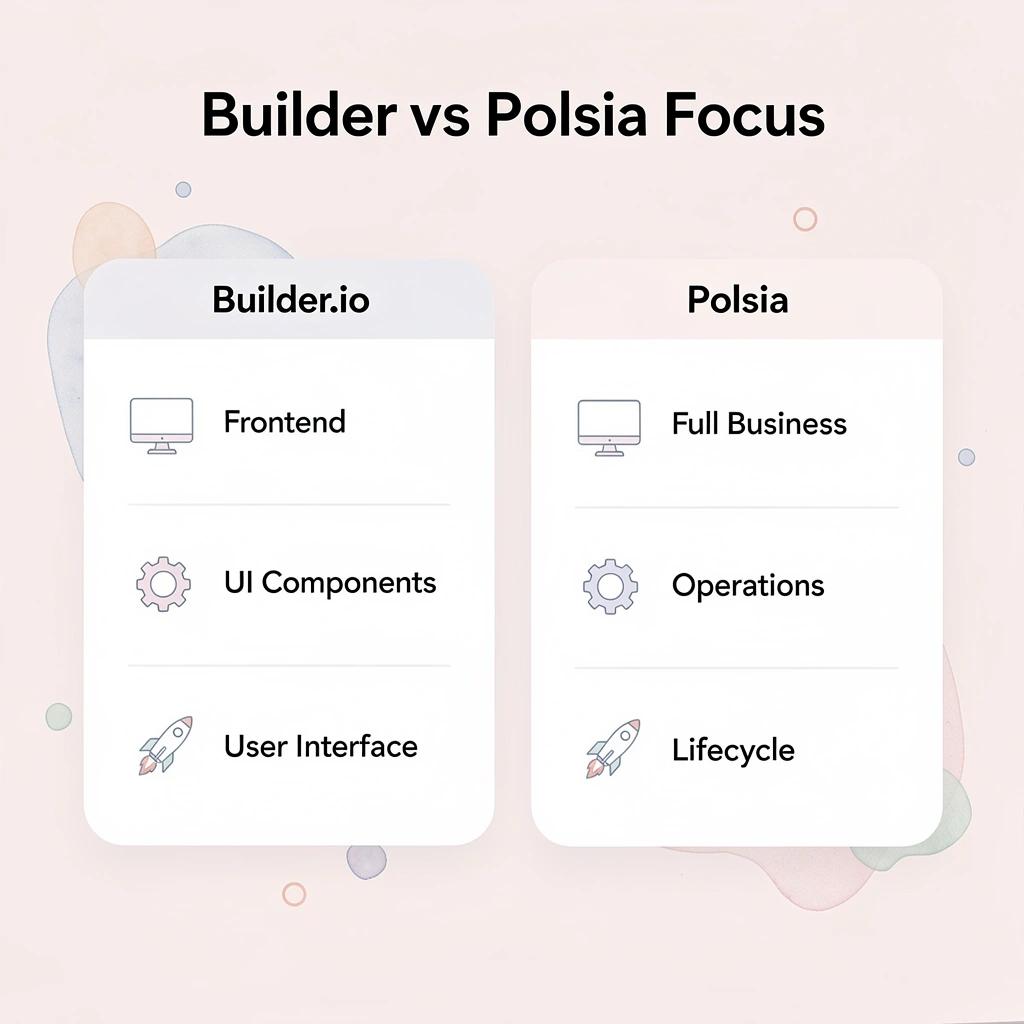
🎯 Key Point: While Builder.io excels at frontend development, Polsia provides comprehensive business management that extends far beyond just user interfaces.
"Polsia transforms the traditional approach by managing the entire business lifecycle, not just the frontend experience."

💡 Best Practice: Think of Builder.io as your frontend specialist and Polsia as your complete business partner - they serve fundamentally different purposes in the development ecosystem.
What Happens Before the First Line of Code
You can plan and check your business idea before building it. Our full-stack development handles MVP creation, eliminating the need to assemble backend systems or infrastructure yourself.
Our platform runs marketing campaigns across cold email, Meta ads, and social platforms, solving the distribution problem most tools ignore. It also manages operations: handling customer responses and maintaining the system as users arrive. According to a LinkedIn post by Andreas Klinger about Polsia, the platform supports over 2,000 companies with $1.8M in cash flows running through the system, all with zero employees.
The Difference in Practice
Polsia takes you from idea to a live, working business in one system—not building something that merely looks complete, but running something that works. You're not separately designing a frontend, then figuring out backend logic, marketing, and operations.
The real shift happens when you stop thinking about tools as separate pieces and start seeing them as systems that operate independently. That's when the question changes from "how fast can I build?" to something harder to answer.
Start or Grow your Existing Business with Polsia Today
The harder question isn't how fast you can build. It's whether what you're building can operate without you hovering over every detail, refreshing dashboards, and manually connecting systems that should already be talking to each other. Most platforms give you speed at the front end and silence everywhere else. You still wake up wondering whether your ads are running, whether your emails went out, and whether anyone's responding to the product you just shipped.

🎯 Key Point: Building fast means nothing if your business can't run independently while you sleep.
Start with Polsia for $49/month to plan your first idea and turn it into a live product. You're not stitching together five different subscriptions and hoping they sync. You're working with a system that plans, codes, markets, and adapts while you focus on the decisions that matter most.

"The tools you choose stop being about convenience and start being about leverage."
💡 Tip: The shift happens when you stop asking what you can build and start asking what can run without you. The tools you choose stop being about convenience and start being about leverage.

Related Reading
- Best Mobile App Builder
- No Code Ai Tools
- How To Create An App
- Hire an App Developer
- Ai App Builders
- Best Vibe Coding Tools
- Lovable Ai